Guides · Getting started
Your first post, in five minutes
Connect an account, write a post, and send it on its way. Everything you need, nothing you don't.

- Connect an account
- Write a post
- Schedule it
- Set your queue
- Watch it sail
Before you start
You'll need a paperboat account (the free plan is plenty) and one social account you'd like to post to. If you just want to look around first, try the composer on the home page or open the demo — nothing in the demo is really posted.
1. Connect an account✓ done
Open Accounts in the sidebar and choose a network. You approve paperboat on the network's own page and come straight back, connected.
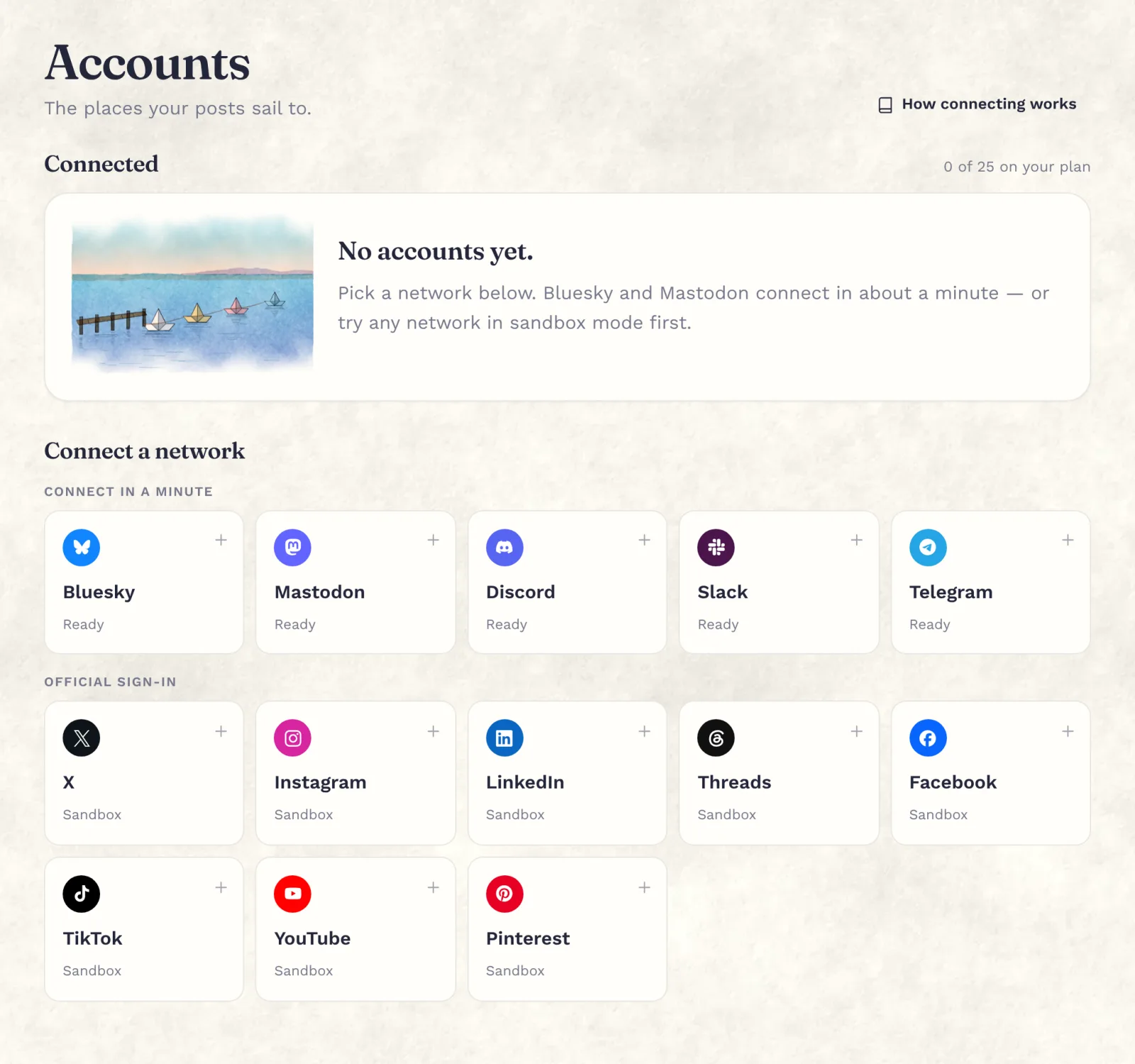
Not ready to connect a real account yet? Every network has sandbox mode. It runs the whole flow — scheduling, queue, history — but stops just short of actually posting. Perfect for a practice run.
2. Write your post✓ done
Press New post (or just press C anywhere in the app). Write once in the big box, then pick which accounts it should go to. The previews on the right show exactly how it will look on each network.
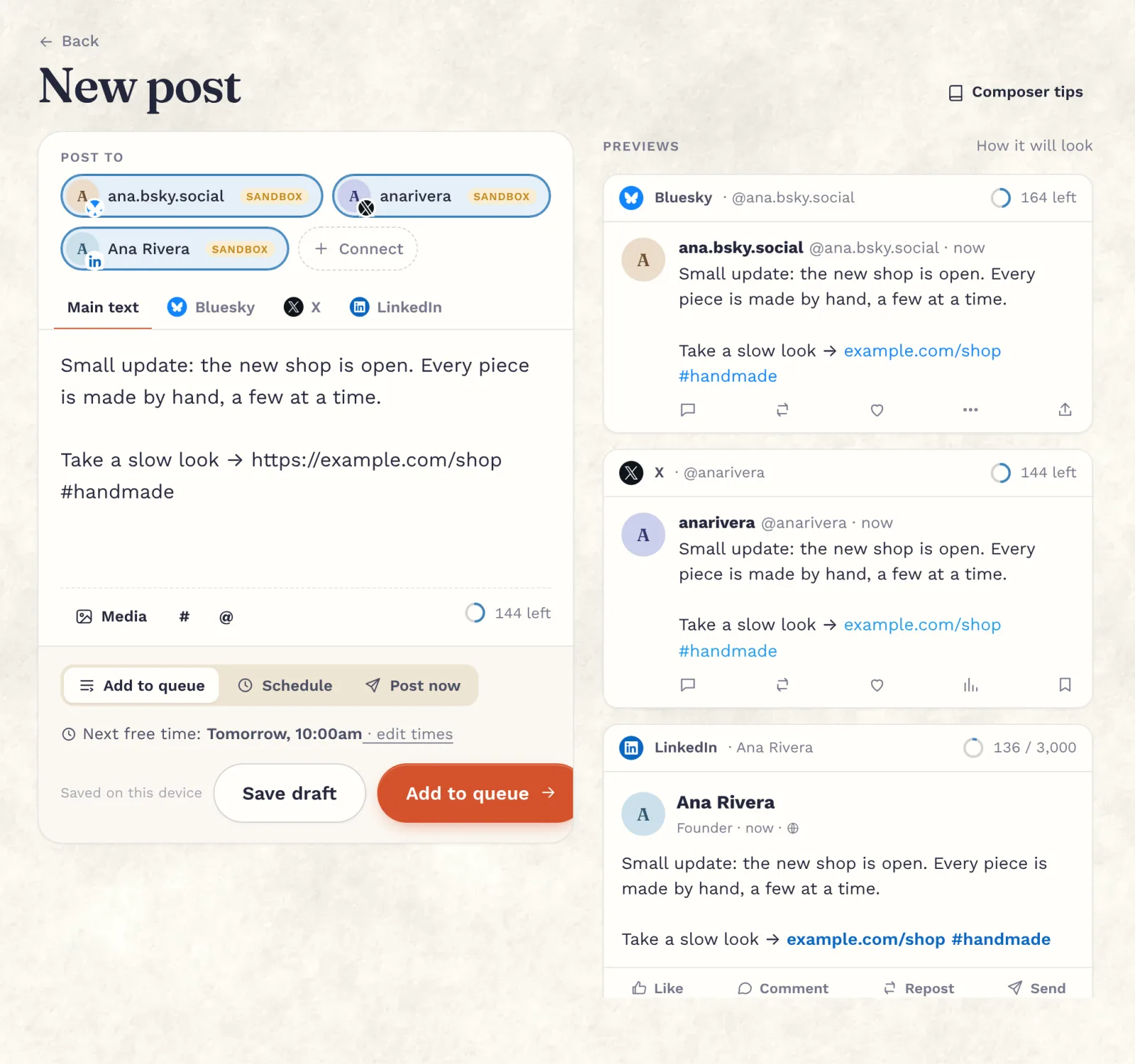
Each network has a little ring that fills as you type. It counts characters the way that network does — X counts every link as 23, Instagram stops at 30 hashtags — so what you see is what fits.
3. Choose when it sails✓ done
At the bottom of the composer you have three choices:
- Add to queue — the next free posting time. The easiest habit to keep.
- Schedule — pick a date and time yourself.
- Post now — off it goes.
Press ⌘ Enter (or Ctrl Enter) to add to the queue without reaching for the mouse.
4. Watch it land✓ done
When the time comes, paperboat posts to every account you picked and shows a tick next to each one, with a link to the live post. If a network has a wobble, it retries quietly. If something truly can't post, you'll see why — and can fix it in a click.
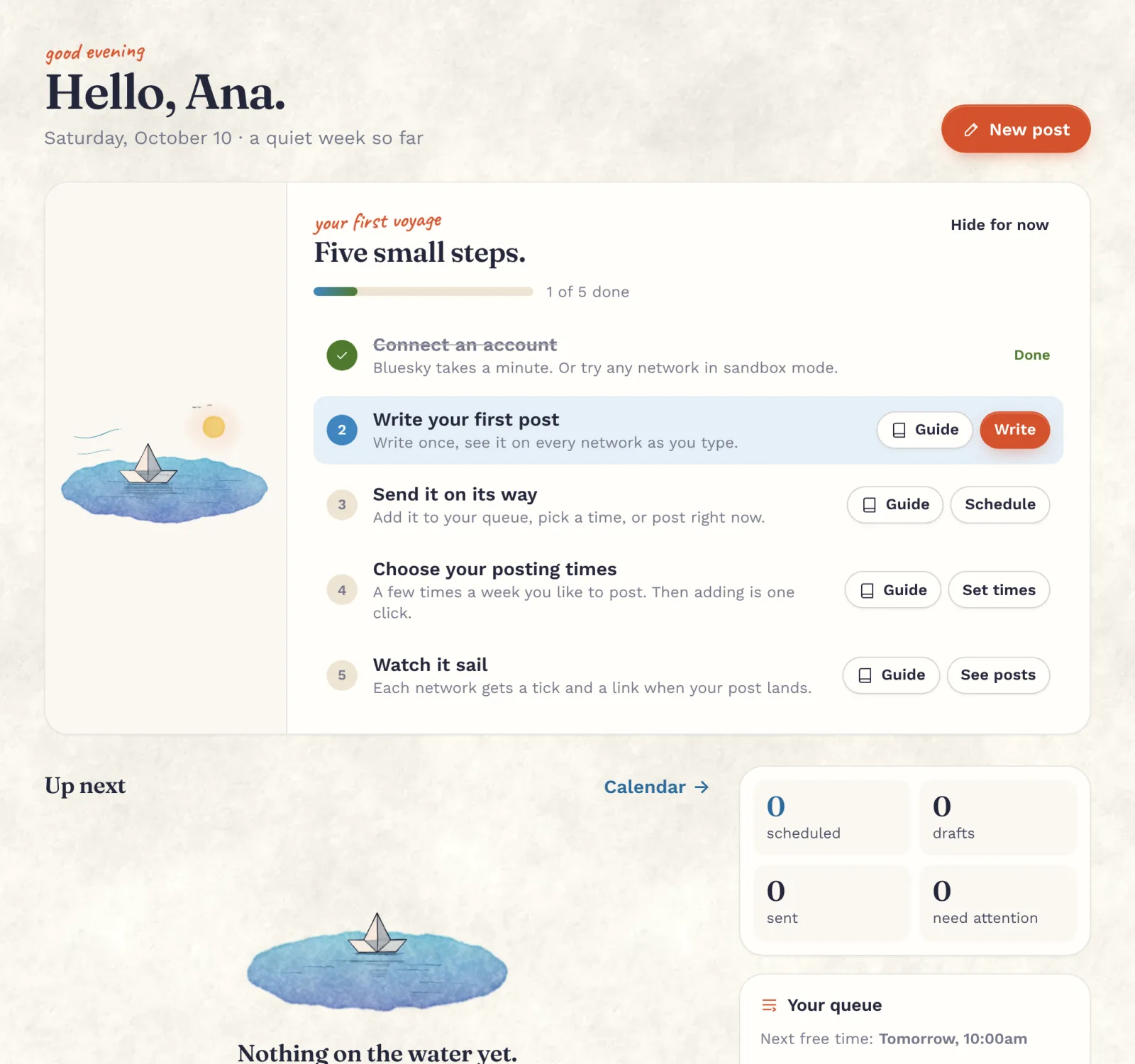
That's it. You're sailing. Next, set up your queue so posting becomes a two-minute habit.